FuelFlow Dispatch
Dispatch Management

Built for fuel haulers
FuelFlow Dispatch manages every delivery from the terminal rack to the customer tank, with driver scheduling, equipment maintenance, billing, and FreshBooks integration.
How it works
A guided walkthrough of the FuelFlow Dispatch platform, from setup to billing.
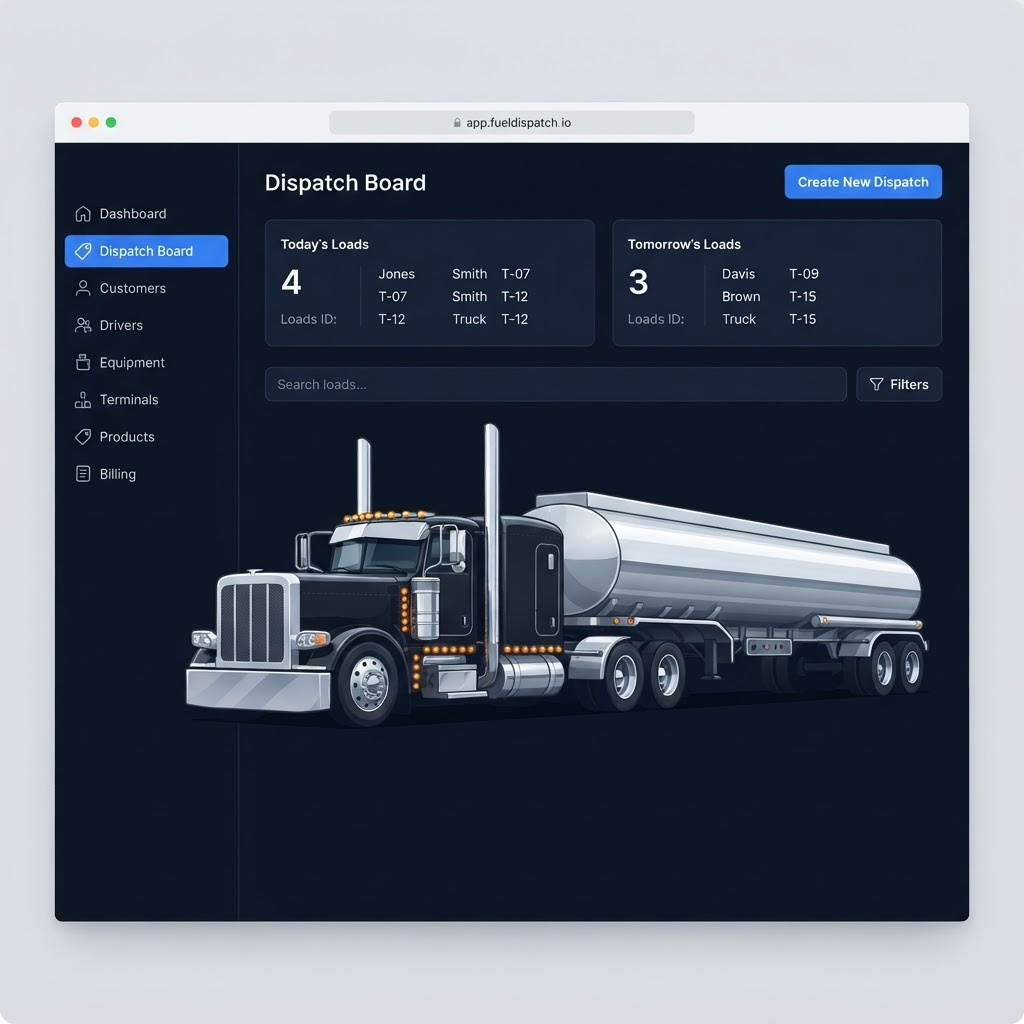
The dispatch board: filter and search, row actions, and the Create New Dispatch button.
FuelFlow Dispatch manages multi-truck, multi-stop fuel deliveries end to end — from creating a load, to dispatching it to a driver, to invoicing the customer and collecting payment.
The left sidebar is your home base. The top group covers the day-to-day dispatch flow; the Admin group holds billing, team, and settings.
A good first stop is the Dashboard. It shows your active loads, today's deliveries, and compliance & maintenance alerts at a glance.
Most pages are linked to each other — open a load, jump to its customer, record a payment. This walkthrough follows the natural order of a delivery from start to finish.